
PROXY for your PC
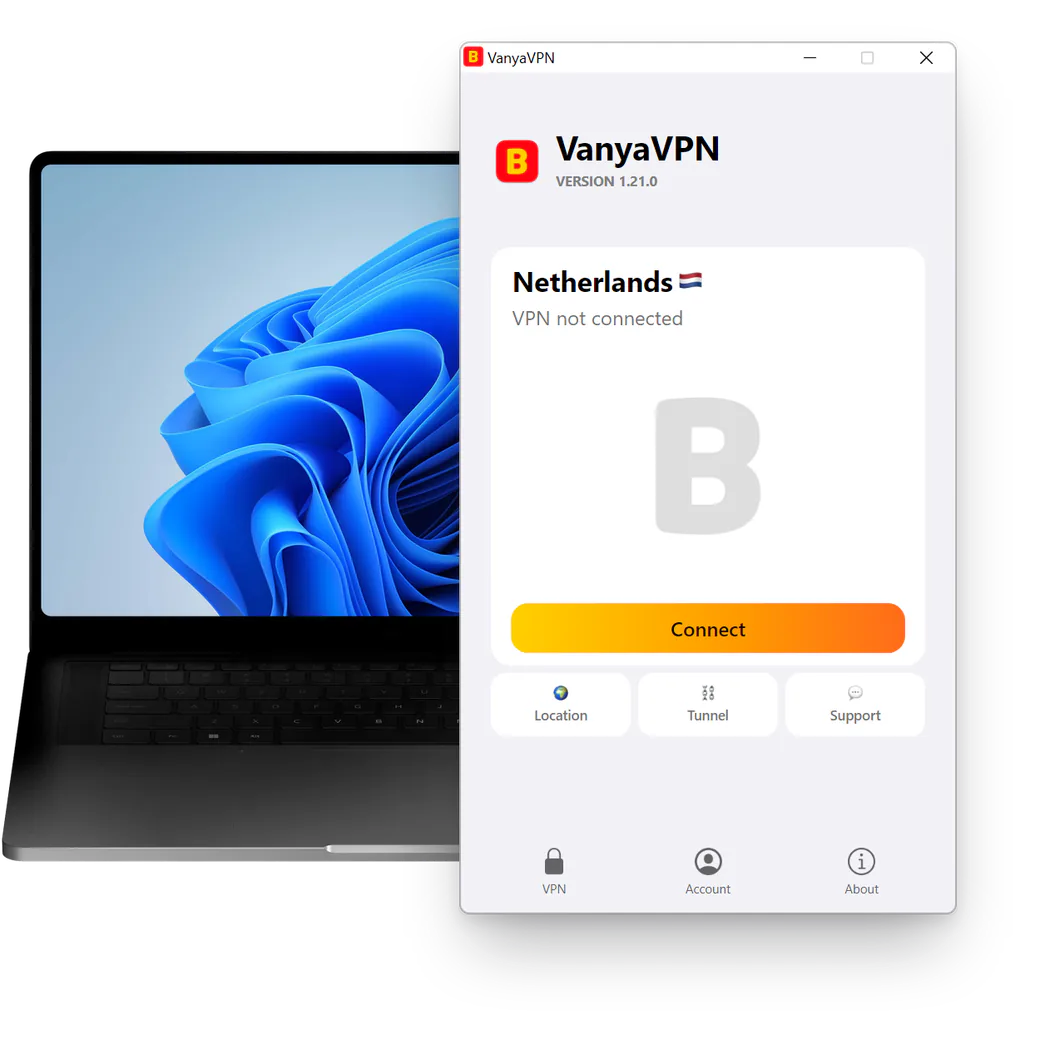
VanyaPROXY runs on Windows, macOS and Linux and you install it like any other program. After that, you just pick a country and press Connect. The button below gets the Windows file, and the Mac and Linux versions are listed further down.
- Windows 7 SP1 and newer
- version 1.21.0
- 84.7 MB
- built on October 16, 2026
Which system is yours
- Windows 7 SP1, 8, 8.1, 10 and 11, an EXE installer Windows 10Windows 11Windows 8Windows 7
- Mac DMG on macOS 12+, App Store version on 12.4+
- Linux x86-64 only, a .deb package or AppImage UbuntuDebian
Not sure?
Four small squares on the Start button along the bottom edge mean Windows (on Windows 7 the button is round, with a colored flag). An apple in the top left corner appears only on a Mac.
Installing on each system
The PROXY for your PC is the same app on all three systems. Only the installation differs.
On Windows, run the installer and answer Yes when the system asks. It needs administrator rights to add a network adapter. When it finishes, the app window appears.
On a Mac, move the app from the DMG to Applications, and the first time you press Connect, allow the two things macOS asks for, a system extension and a PROXY configuration. After that you’ll find it at the top right of the screen rather than in the Dock.
On Ubuntu and Debian, install the .deb package, or run the AppImage if you prefer. Both builds are for x86-64 processors only, so a Raspberry Pi or any other ARM machine won’t run them. Step-by-step guides are on the PROXY for Ubuntu and PROXY for Debian pages.
Phones are covered separately on PROXY for iPhone and Android, Apple IDs registered in Russia included.
Questions about the desktop app
Is the app available in English?
Yes. The interface comes in 66 languages, English among them, and you can switch it under Account → Settings → Language.
Can I put it on my work laptop?
You can if your user account on it has administrator rights. Without them the Windows installer stops, since the network adapter needs those rights. On company machines these rights usually belong to the IT department, so ask them.
Do I need a browser extension too?
No, and there isn’t one. The app switches the PROXY on for the whole computer, so every program goes through it, the browser included.
Will it work on an older computer?
That depends on the system. Windows works from version 7 with Service Pack 1 onwards, and the Windows 7 page explains what that takes; Windows 8 and 8.1 have their own page. A Mac needs macOS 12 Monterey at least, and Linux needs an x86-64 processor with Ubuntu 22.04 or later, or Debian 12 or later.
Prices
-
2 years
-
Year
-
6 months
- Month No bonus months $5/mo

The “Vanechka” trial
3 days with every country for $0.50, once per account. After that it continues month to month, and you can turn renewal off in your account.
If it does not work for you, we refund the payment under our refund policy.